The internet has made it easier than ever for small businesses to connect with customers, but growing your brand has also become more challenging. So, how do you attract more customers without spending countless hours on marketing?
Digital marketing tools can help you save time, automate repetitive tasks, improve productivity, and make better marketing decisions. But with thousands of platforms available, choosing the right one for your business can be confusing.
Which tools are worth your money? Which ones offer the features your business actually needs?
This guide answers those questions by highlighting the best digital marketing tools for small businesses across SEO, email marketing, AI, CRM, marketing automation, and analytics. You’ll find both free and paid options that offer excellent value without unnecessary complexity.
Let us get started,
- How We Selected These Tools
- Quick Comparison Table
- Best Digital Marketing Tools for Small Businesses
- 1. Semrush
- 2. Ahrefs
- 3. Google Search Console
- 4. Buffer
- 5. SocialPilot
- 6. SocialBee
- 7. Metricool
- 8. Mailchimp
- 9. Brevo
- 10. MailerLite
- 11. ChatGPT
- 12. Jasper
- 13. Grammarly
- 14. Canva
- 15. Adobe Express
- 16. Google Analytics
- 17. Microsoft Clarity
- 18. Contentsquare
- 19. HubSpot CRM
- 20. Zoho CRM
- 21. Zapier
- 22. Make
- 23. Leadpages
- 24. Unbounce
- 25. Google Business Profile
- 26. BrightLocal
- Free vs Paid Marketing Tools
- How to Choose the Right Tool
- Final thoughts
- FAQ
How We Selected These Tools
Not all leading marketing tools earned a spot in this guide. Instead of relying on marketing promises, we focused on tools that deliver real value for small businesses. So, how did we choose them? We evaluated every platform based on ease of use, practical features, pricing, reliability, scalability, and overall value.
Small business owners often handle marketing on their own, so we gave preference to tools with simple interfaces and a short learning curve. We also looked for software that solves everyday marketing challenges, whether it’s attracting more visitors, generating leads, building stronger customer relationships, or increasing sales.
Pricing was another key factor because every business has a budget. We included tools with affordable plans, generous free versions, or flexible pricing that can grow with your business.
We also selected platforms with a proven track record for reliability, ensuring you can depend on accurate data and consistent performance. Finally, we considered overall value, recommending both premium tools that justify their cost and free options that offer enough features for many small businesses.
Quick Comparison Table
| Tool | Category | Best For | Free Plan | Starting Price |
|---|---|---|---|---|
| Semrush | SEO & Keyword Research | SEO, keyword research, competitor analysis | Limited | Paid plans available |
| Ahrefs | SEO & Keyword Research | Backlink analysis, SEO research | Limited free tools | Paid plans available |
| Google Search Console | SEO & Keyword Research | Website performance and indexing | Yes | Free |
| Buffer | Social Media Marketing | Social media scheduling | Yes | Paid plans available |
| SocialPilot | Social Media Marketing | Managing multiple social accounts | Trial | Paid plans available |
| SocialBee | Social Media Marketing | Content scheduling and recycling | Trial | Paid plans available |
| Metricool | Social Media Marketing | Social media analytics and management | Yes | Paid plans available |
| Mailchimp | Email Marketing | Email campaigns and newsletters | Yes | Paid plans available |
| Brevo | Email Marketing | Email and SMS marketing | Yes | Paid plans available |
| MailerLite | Email Marketing | Email automation for small businesses | Yes | Paid plans available |
| ChatGPT | AI & Content Creation | Content writing and brainstorming | Yes | Paid plans available |
| Jasper | AI & Content Creation | AI marketing content | Trial | Paid plans available |
| Grammarly | AI & Content Creation | Grammar and writing improvement | Yes | Paid plans available |
| Canva | Graphic Design | Social media graphics and marketing materials | Yes | Paid plans available |
| Adobe Express | Graphic Design | Quick graphic and video creation | Yes | Paid plans available |
| Google Analytics | Analytics | Website traffic analysis | Yes | Free |
| Microsoft Clarity | Analytics | Heatmaps and user behavior | Yes | Free |
| Hotjar | Analytics | Heatmaps and user feedback | Yes | Paid plans available |
| HubSpot CRM | CRM | Customer relationship management | Yes | Paid plans available |
| Zoho CRM | CRM | Sales and customer management | Trial | Paid plans available |
| Zapier | Marketing Automation | Workflow automation | Yes | Paid plans available |
| Make | Marketing Automation | Advanced workflow automation | Yes | Paid plans available |
| Leadpages | Landing Page Builder | Landing page creation | Trial | Paid plans available |
| Unbounce | Landing Page Builder | High-converting landing pages | Trial | Paid plans available |
| Google Business Profile | Local Marketing | Local business visibility | Yes | Free |
| BrightLocal | Local Marketing | Local SEO and citation management | Trial | Paid plans available |
Best Digital Marketing Tools for Small Businesses
1. Semrush
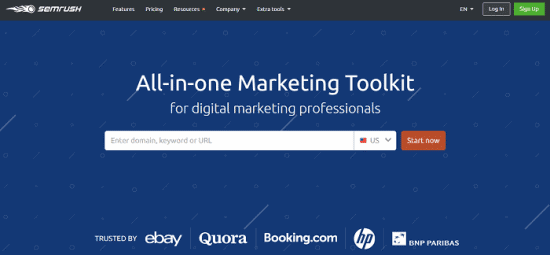
Semrush is much more than an SEO tool. It combines keyword research, competitor analysis, content marketing, website audits, social media management, local SEO, and advertising in one platform. This means you can manage most of your digital marketing from a single dashboard.
Want to know what your customers are searching for? Curious about the keywords your competitors rank for? Semrush gives you detailed answers. It also scans your website for SEO issues like broken links, duplicate content, and crawl errors. Fixing these problems can improve your search rankings and user experience. Its content optimization tools also help you create articles that match search intent.
Semrush is more expensive than many beginner SEO tools. New users may also need time to learn its features. Still, it offers excellent value for businesses that want to grow their online presence over the long term.
2. Ahrefs
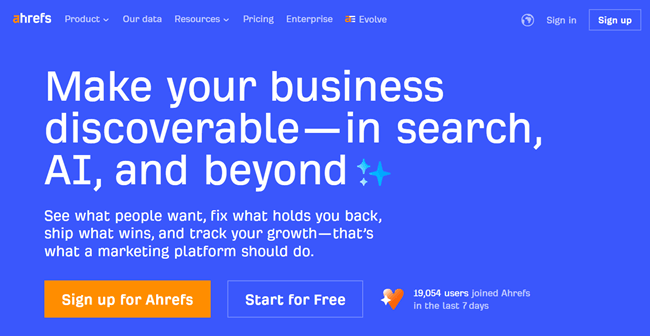
Ahrefs is one of the most trusted SEO tools available today. It is best known for its powerful backlink analysis, but it also offers keyword research, competitor analysis, website audits, and content discovery tools.
Want to know who links to your website? Or how your competitors rank in search results? Ahrefs gives you detailed insights to answer both questions. Its Keyword Explorer helps you find search terms with strong traffic potential and lower competition.
Site Explorer reveals your competitors’ top pages, keywords, and backlink profiles. The Site Audit tool scans your website for technical SEO issues that can affect search rankings. Content Explorer helps you discover popular topics and generate new content ideas.
Ahrefs has a clean interface, but beginners may need time to learn its advanced features. It is also more expensive than many SEO tools. Still, it is an excellent choice for long-term SEO growth.
3. Google Search Console
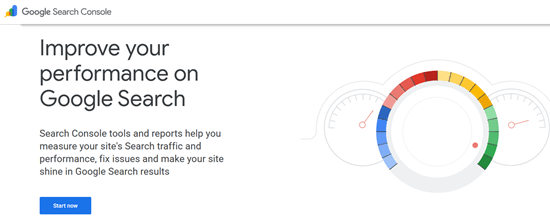
Google Search Console is a free tool that every website owner should use. It gives you search performance data directly from Google. Even businesses that use paid SEO tools rely on it.
Want to know which keywords bring visitors to your website? Or which pages need improvement? Search Console provides those insights. It also shows your search rankings, click-through rates, and page impressions.
The platform alerts you to indexing issues that can hurt your visibility in search results. You can also request Google to crawl new pages faster after publishing fresh content. Its Core Web Vitals report helps you identify pages with speed or performance issues. It also reports mobile usability problems, security issues, and structured data errors.
Search Console does not include competitor research or advanced SEO analysis. However, its accurate data and technical insights make it an essential tool for every small business website.
4. Buffer
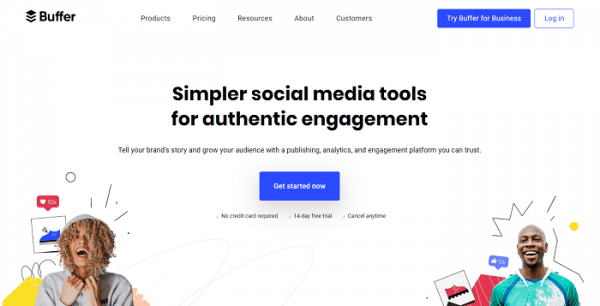
Buffer is a simple social media management tool designed for small businesses. It helps you plan, schedule, and publish posts across multiple platforms from one dashboard. This saves time and keeps your social media accounts active without daily manual posting.
Want to schedule a week’s worth of content in advance? Buffer makes that easy. It supports popular platforms, including Facebook, Instagram, X, LinkedIn, Pinterest, TikTok, Threads, and Mastodon.
The built-in content calendar lets you organize posts, edit schedules, and spot gaps in your publishing plan.
Buffer also includes analytics that show which posts receive the most likes, comments, shares, clicks, and follower growth. These insights help you create better content over time. Its AI Assistant can generate captions, rewrite posts, and suggest fresh ideas.
Buffer has a clean interface and a generous free plan. Although it lacks advanced social listening and competitor analysis, it remains an affordable and user-friendly choice for managing social media efficiently.
5. SocialPilot
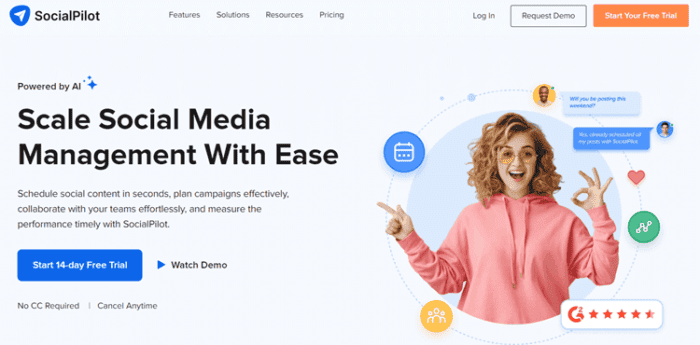
SocialPilot is a social media management tool built for businesses, agencies, and marketing teams. It helps you schedule posts, track performance, collaborate with your team, and manage multiple social media accounts from one place.
Need to plan content weeks or even months ahead? SocialPilot lets you schedule hundreds of posts in advance across platforms like Facebook, Instagram, LinkedIn, X, Pinterest, TikTok, and Google Business Profile.
One of its biggest strengths is bulk scheduling. You can upload large batches of posts using CSV files, saving hours of manual work.
The platform also helps you discover trending content to keep your social media feeds active. Its analytics track engagement, audience growth, impressions, and clicks.
Agencies can even create branded reports for clients. Team members can work together by reviewing, approving, and publishing content in one workflow. Although the interface takes some time to learn and some advanced features require higher plans, SocialPilot offers excellent value for businesses that need a scalable social media solution.
6. SocialBee
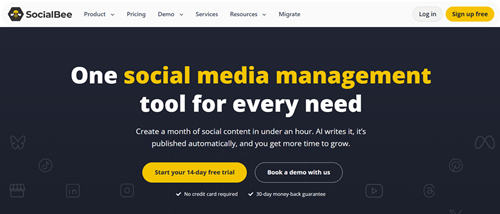
SocialBee is a social media management tool that helps businesses plan, organize, and automate their content. It does more than schedule posts. It helps you build a long-term content strategy.
Want to keep your social media accounts active without creating new posts every day? SocialBee makes that possible. Its content categorization feature lets you group posts into topics like promotions, blog articles, tips, testimonials, and videos. The platform then publishes content from each category based on your schedule. It also recycles evergreen posts automatically, helping you get more value from blog posts, tutorials, and FAQs.
SocialBee includes AI tools to generate captions and improve content ideas. You also get hashtag management, post previews, audience-based scheduling, and basic collaboration features. Its analytics help you measure engagement and improve your strategy over time.
Although it lacks advanced social listening and competitor analysis, SocialBee is an excellent choice for businesses that want to save time and make the most of their existing content.
7. Metricool
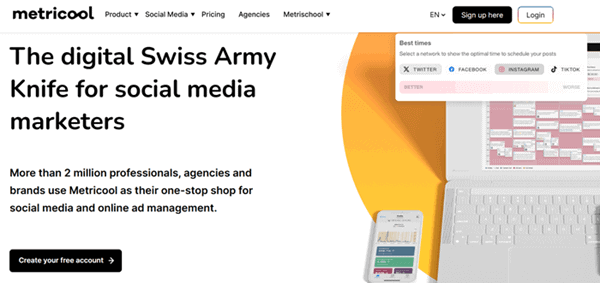
Metricool is an all-in-one marketing tool for businesses that want to manage social media and track marketing performance from one dashboard. It supports popular platforms like Facebook, Instagram, LinkedIn, X, TikTok, Pinterest, YouTube, Google Business Profile, and Threads.
Want to schedule posts in advance? Or measure the results of your marketing campaigns? Metricool helps you do both. It lets you create content calendars, publish posts automatically, and manage multiple social media accounts with ease.
Its biggest strength is analytics. It tracks social media performance, website traffic, online ads, and audience behavior in one place. You can also monitor engagement, clicks, reach, and follower growth through detailed reports.
Metricool even recommends the best times to publish your posts and offers competitor analysis for selected platforms. Although some advanced features require a paid plan and the dashboard takes time to learn, Metricool provides excellent value for businesses that want deeper marketing insights and better campaign performance.
8. Mailchimp
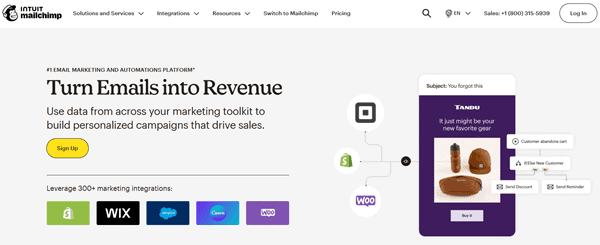
Mailchimp is one of the most popular email marketing tools for small businesses. It helps you create email campaigns, automate customer communication, manage subscriber lists, and track campaign performance.
Want to design professional emails without coding? Mailchimp’s drag-and-drop editor makes it easy. You can also choose from ready-made templates or create your own designs.
Its automation features send welcome emails, abandoned cart reminders, birthday messages, and follow-up campaigns automatically. This saves time and keeps customers engaged.
Mailchimp also lets you group subscribers based on their interests, location, purchase history, or engagement. This helps you send more relevant emails and improve results.
The platform includes landing pages, signup forms, A/B testing, and detailed performance reports. You can track open rates, clicks, conversions, and more.
Although pricing increases as your subscriber list grows and some advanced features require paid plans, Mailchimp remains an excellent choice for businesses that want an easy-to-use and reliable email marketing solution.
9. Brevo
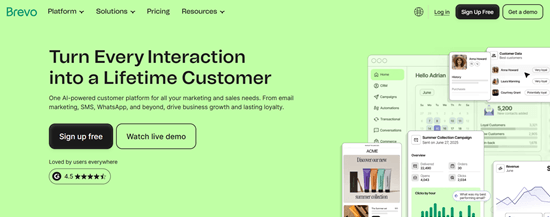
Brevo is an all-in-one marketing platform for small businesses. It combines email marketing, SMS marketing, CRM, live chat, marketing automation, and transactional emails in one place.
Need more than just an email marketing tool? Brevo gives you several ways to connect with customers. Its drag-and-drop editor makes it easy to create professional email campaigns without coding.
You can also send order confirmations, shipping updates, and password reset emails automatically. Brevo’s automation tools trigger emails based on customer actions, such as new signups or abandoned carts. This saves time and improves customer engagement.
The built-in CRM helps you organize contacts and manage customer relationships. You also get detailed reports showing delivery rates, opens, clicks, and conversions.
One advantage is its pricing. Brevo charges mainly based on the number of emails you send instead of your subscriber count. Although some advanced automation features take time to learn, Brevo offers excellent value for businesses that want multiple marketing tools in one platform.
10. MailerLite
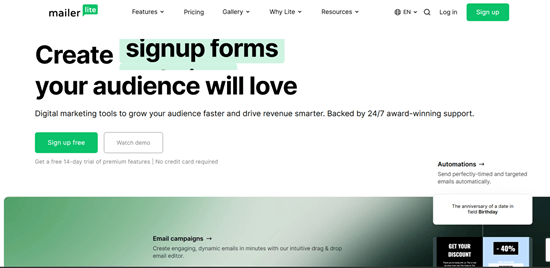
MailerLite is a simple and affordable email marketing platform built for small businesses, bloggers, creators, and startups. It focuses on ease of use without removing the features most businesses need. If you are new to email marketing, MailerLite is one of the easiest platforms to learn.
The drag-and-drop editor lets you create professional emails in minutes. You can choose from ready-made templates or build your own layout. The platform also supports automation, so you can send welcome emails, follow-ups, and abandoned cart reminders automatically.
MailerLite includes landing pages, signup forms, pop-ups, and subscriber management. You can group contacts based on their interests or behavior to send more relevant emails.
The reporting dashboard shows open rates, clicks, unsubscribes, and campaign performance. These insights help improve future campaigns.
The free plan has generous limits, although some advanced features require a paid subscription.
MailerLite deserves a place on this list because it offers an excellent balance between simplicity, useful features, and affordability.
11. ChatGPT
ChatGPT has become one of the most useful AI marketing tools for small businesses. It helps generate content ideas, write blog posts, create social media captions, draft emails, answer customer questions, and brainstorm marketing campaigns. Instead of starting with a blank page, businesses can create a first draft within minutes.
It works well for content marketing, SEO planning, product descriptions, FAQs, ad copy, and customer communication. You can also use it to summarize research, rewrite content, and generate headline ideas.
The biggest advantage is speed. Routine writing tasks that once took hours can often be completed much faster. This gives small business owners more time to focus on strategy and customer relationships.
AI-generated content still needs human editing. You should verify facts, improve wording, and add your own expertise before publishing.
ChatGPT offers a free version, while paid plans provide access to more advanced AI models and features.
It deserves a place on this list because it improves productivity across almost every area of digital marketing.
12. Jasper
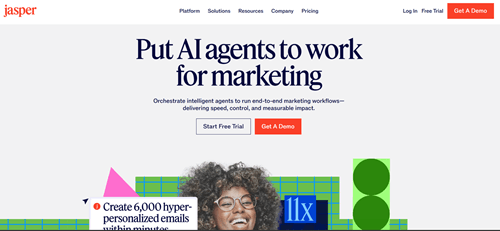
Jasper is an AI writing platform built specifically for marketing teams and businesses. While general AI assistants can handle many writing tasks, Jasper focuses on producing marketing content that matches a brand’s voice and goals.
The platform can generate blog posts, product descriptions, advertising copy, landing page content, social media posts, and email campaigns. It also supports brand voice settings, allowing businesses to maintain a consistent writing style across different marketing channels.
Jasper includes templates for common marketing tasks, making content creation faster. It also supports collaboration, which is useful for teams working on larger campaigns.
The platform integrates with several marketing tools and offers AI-assisted editing to improve content quality.
Its main limitation is cost. It is more expensive than many general AI writing tools, making it harder to justify for businesses with limited budgets.
Jasper offers a free trial, while paid subscriptions unlock its full capabilities.
It earns a place on this list because it helps businesses create consistent marketing content at scale.
13. Grammarly
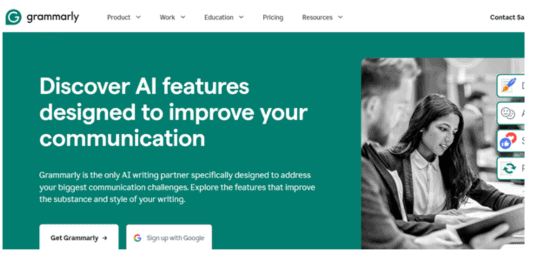
Grammarly is much more than a spell checker. It helps businesses write clear, professional, and error-free content across emails, blog posts, social media updates, reports, and customer communication.
The software checks grammar, spelling, punctuation, clarity, sentence structure, and writing tone. It also suggests simpler wording when sentences become difficult to read. These improvements make content easier for customers to understand.
Grammarly works inside web browsers, Microsoft Office, Google Docs, email platforms, and many other applications. This means you can improve your writing almost anywhere.
The built-in AI features can also rewrite sentences, adjust tone, and shorten lengthy paragraphs. However, you should always review suggestions before accepting them.
The free version covers basic writing corrections. Premium plans add advanced writing suggestions, tone improvements, plagiarism detection, and AI features.
Grammarly deserves a place on this list because clear communication builds trust and improves the quality of every marketing message.
14. Canva
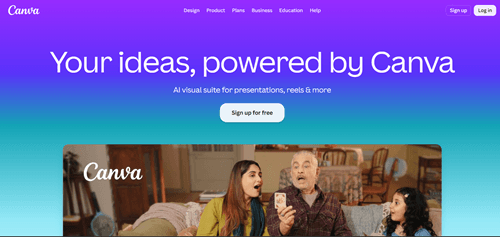
Canva is one of the most popular graphic design tools for small businesses. It allows anyone to create professional-looking designs without needing advanced design skills. Whether you need social media graphics, presentations, flyers, brochures, posters, or YouTube thumbnails, Canva makes the process simple.
The platform includes thousands of templates that can be customized with your own colors, fonts, images, and branding. Its drag-and-drop editor is easy to learn, even for complete beginners.
Canva also includes AI-powered tools for generating images, removing backgrounds, resizing designs, and creating presentations. Businesses can store brand assets, collaborate with team members, and publish designs directly to social media.
The free plan provides plenty of templates and design elements. Premium plans unlock additional templates, stock photos, AI features, and brand management tools.
Canva deserves its place on this list because it helps small businesses create professional marketing materials quickly without hiring a graphic designer.
15. Adobe Express
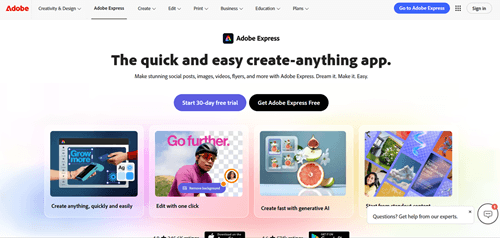
Adobe Express is another excellent design platform for creating marketing content. It combines Adobe’s creative expertise with an easy-to-use interface that suits beginners and small businesses.
You can create social media graphics, videos, posters, presentations, logos, flyers, and promotional materials using ready-made templates. The editor is straightforward and works well for users who want professional-looking designs without learning complex software.
Adobe Express includes useful AI features such as background removal, image generation, object removal, and text effects. It also integrates well with other Adobe products, making it a good choice for businesses already using the Adobe ecosystem.
Content scheduling for social media is also available, allowing users to design and publish posts from one platform.
The free version offers many useful features, while premium plans unlock additional templates, Adobe fonts, stock assets, and advanced editing tools.
Adobe Express deserves a place on this list because it makes high-quality visual content accessible to businesses of all sizes.
16. Google Analytics
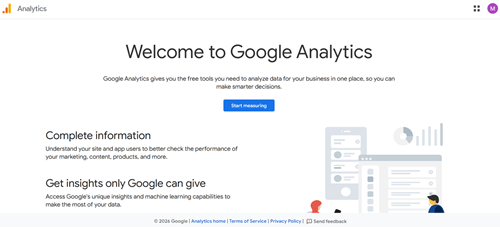
Google Analytics helps businesses understand how visitors interact with their websites. It collects detailed information about traffic sources, user behavior, conversions, and customer journeys. These insights help businesses make better marketing decisions.
The platform shows where visitors come from, which pages they visit, how long they stay, and which actions they complete. You can also measure sales, form submissions, downloads, and other important business goals.
Google Analytics supports audience segmentation, event tracking, conversion reports, and traffic analysis across different marketing channels. This helps identify which campaigns generate the best results.
Although the interface has become more advanced with Google Analytics 4, businesses that invest time in learning it gain valuable insights that are difficult to obtain elsewhere.
The platform is free to use.
Google Analytics deserves a place on this list because accurate data helps businesses improve marketing performance instead of relying on assumptions.
17. Microsoft Clarity

Microsoft Clarity is a free website analytics tool that focuses on user behavior. Instead of only showing numbers, it helps you see how visitors actually interact with your website.
Its heatmaps reveal where users click, scroll, and spend the most time. Session recordings let you watch anonymous visits to understand how people move through your pages. These insights often reveal usability problems that traditional analytics reports cannot explain.
Clarity also identifies issues such as rage clicks, dead clicks, and excessive scrolling. These signals may indicate confusing layouts or broken page elements that frustrate visitors.
The platform works well alongside Google Analytics. Together, they provide both quantitative data and visual user behavior.
Microsoft Clarity is completely free and does not limit the number of recordings for most websites.
It deserves a place on this list because it helps businesses improve user experience, increase conversions, and identify website problems quickly.
18. Contentsquare
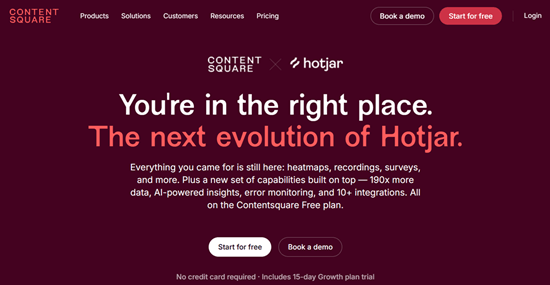
Contentsquare (formerly Hotjar) is a website analytics tool that helps you understand how visitors use your website. It combines heatmaps, session recordings, surveys, feedback tools, and advanced analytics in one platform.
Want to know where visitors click? Or why they leave a page without making a purchase? Contentsquare gives you those answers.
Heatmaps show how users interact with your pages, while session recordings let you watch anonymous visitor journeys. These insights help you identify usability issues and improve the customer experience.
The platform also includes funnels, form analytics, surveys, and feedback widgets. Together, they help you discover what prevents visitors from completing important actions.
Contentsquare integrates with many popular analytics, marketing, and CRM tools, making it easy to combine user behavior with your existing data. Although some advanced features require a paid plan, the free version offers a good starting point.
Overall, Contentsquare is a valuable tool for businesses that want to improve website performance, engagement, and conversions.
19. HubSpot CRM
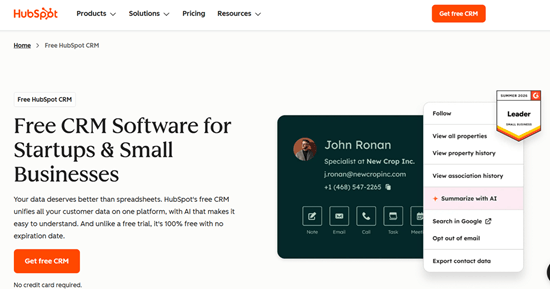
HubSpot CRM is one of the most popular CRM software platforms for small businesses. It helps you organize contacts, manage leads, track customer interactions, and monitor your sales pipeline from one dashboard.
Every email, meeting, call, and customer activity is stored in a single place. This gives your team a complete view of every customer relationship. You spend less time searching for information and more time building stronger connections.
HubSpot also includes email tracking, live chat, forms, meeting scheduling, and basic marketing tools. It connects with hundreds of third-party apps, making it easy to fit into your existing workflow.
The free CRM includes many useful features. Larger businesses may eventually need a paid plan to unlock advanced automation, reporting, and sales tools.
HubSpot CRM deserves a place on this list because it offers an excellent combination of ease of use, features, and scalability.
20. Zoho CRM
Zoho CRM is a flexible platform designed for businesses that want more customization. It helps manage leads, contacts, sales opportunities, and customer communication from a single interface.
You can automate routine tasks, assign leads to team members, create sales workflows, and track deals throughout the sales process. This reduces manual work and helps teams respond faster.
Zoho CRM also includes email integration, reporting dashboards, AI-powered sales insights, and mobile apps. Businesses can customize fields, layouts, and workflows to match their sales process.
It integrates with many Zoho products and popular third-party business applications.
The interface has more options than some beginner-focused CRMs. New users may need time to explore all available features.
Zoho CRM offers a free edition for small teams. Paid plans add advanced automation, analytics, forecasting, and customization.
It deserves a place on this list because it delivers powerful CRM features at a competitive price.
21. Zapier
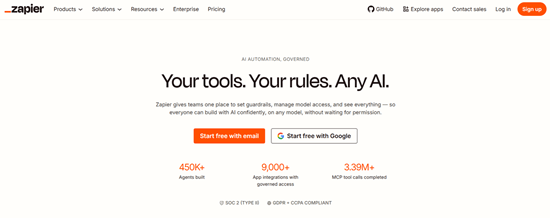
Zapier is one of the most popular marketing automation tools available today. It connects thousands of apps and automates repetitive tasks without requiring coding skills.
You can create automated workflows, called Zaps, that move information between different applications. For example, a new website lead can automatically be added to your CRM, email marketing platform, and project management tool. This eliminates repetitive manual work.
Zapier supports more than 8,000 app integrations. It works with email platforms, CRMs, spreadsheets, cloud storage, accounting software, and social media tools.
The visual workflow builder is easy to understand, making it suitable for beginners.
The free plan works well for simple automations. More complex workflows, multi-step automations, and premium integrations require a paid subscription.
Zapier deserves a place on this list because it saves time, reduces manual work, and connects the marketing software your business already uses.
22. Make
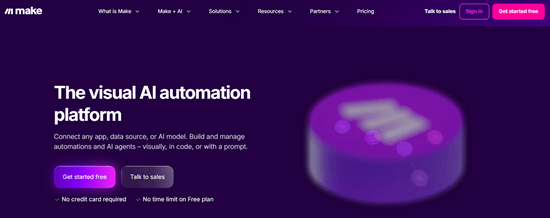
Make, formerly known as Integromat, is another powerful marketing automation platform. It offers greater flexibility than many automation tools and is ideal for businesses with more advanced workflow requirements.
Its visual editor allows you to build detailed automation scenarios using drag-and-drop blocks. You can create multi-step workflows that process data, apply conditions, transform information, and connect multiple applications.
Make supports thousands of integrations, including CRM software, email marketing platforms, cloud storage services, eCommerce systems, and project management tools.
Businesses that need complex automations often prefer Make because it provides greater control over how workflows operate.
The learning curve is slightly steeper than Zapier. Beginners may need time to understand advanced workflow logic.
A free plan is available for basic usage. Paid plans increase automation limits, execution speed, and premium features.
Make deserves a place on this list because it offers powerful automation capabilities for growing businesses.
23. Leadpages
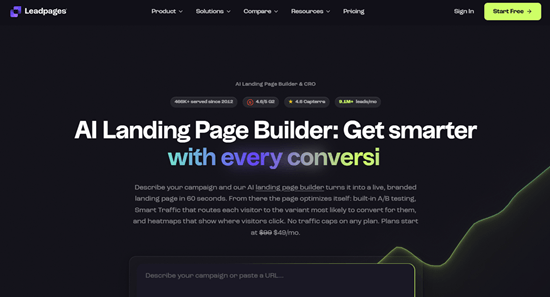
Leadpages is a landing page builder designed to help businesses generate more leads and sales. It allows users to create professional landing pages without writing code.
The platform includes a large collection of mobile-friendly templates that can be customized using a drag-and-drop editor. Businesses can quickly build pages for product launches, webinars, newsletters, promotions, and lead generation campaigns.
Leadpages also supports pop-ups, alert bars, forms, and built-in conversion tools. A/B testing helps compare different page designs to improve conversion rates over time.
The platform integrates with many email marketing services, CRM software, payment processors, and analytics tools.
Leadpages is easy to learn, making it suitable for beginners and small business owners.
It offers a free trial, while paid plans unlock additional templates, integrations, and advanced optimization features.
Leadpages deserves a place on this list because it makes lead generation simple without requiring technical skills.
24. Unbounce

Unbounce is a landing page platform built for businesses that want to maximize conversions. It focuses on turning more visitors into leads and customers.
The drag-and-drop editor makes it easy to build landing pages, pop-ups, and sticky bars. You can choose from professionally designed templates or create your own layouts.
Its Smart Traffic feature uses AI to direct visitors to the landing page version most likely to convert. This helps improve campaign performance without requiring complex manual testing.
Unbounce also supports A/B testing, dynamic text replacement, detailed analytics, and integrations with popular CRM software and email marketing tools.
The platform is more expensive than many beginner-friendly alternatives. However, businesses running paid advertising campaigns often recover the investment through higher conversion rates.
A free trial is available before choosing a paid plan.
Unbounce deserves a place on this list because it focuses on improving conversions rather than simply creating attractive landing pages.
25. Google Business Profile
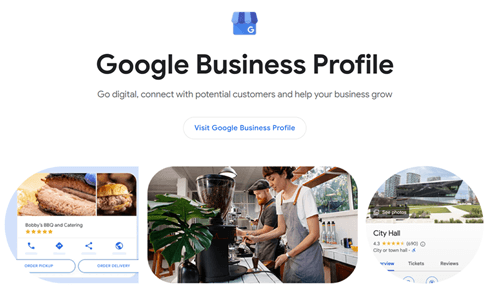
Google Business Profile is one of the most valuable free marketing tools for local businesses. It helps businesses appear in Google Search and Google Maps when nearby customers search for products or services.
A complete profile includes your business name, address, phone number, website, opening hours, photos, services, and customer reviews. Keeping this information accurate improves visibility and builds trust.
Businesses can publish updates, announce offers, answer customer questions, and respond to reviews directly from the dashboard. Positive reviews also improve credibility and may increase local search visibility.
Performance reports show how customers found your business, viewed your profile, requested directions, or called your business.
Google Business Profile is completely free.
It deserves a place on this list because it helps local businesses attract nearby customers without spending money on advertising.
26. BrightLocal
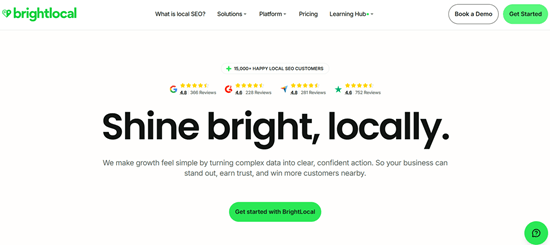
BrightLocal is a local SEO platform built for businesses that want to improve their visibility in local search results. It helps manage online listings, monitor rankings, track reviews, and identify local SEO opportunities.
The platform checks whether your business information is consistent across directories. Accurate listings improve trust with search engines and reduce customer confusion.
BrightLocal also tracks local keyword rankings across different locations. This helps businesses measure SEO performance more accurately.
Review management tools allow you to monitor customer feedback from multiple platforms in one dashboard. Responding quickly to reviews helps improve your online reputation.
The reporting tools are especially useful for agencies and businesses managing several locations.
BrightLocal offers a free trial. Paid plans unlock citation management, reputation monitoring, advanced reports, and local SEO audits.
It deserves a place on this list because it simplifies local SEO and helps businesses attract more nearby customers.
Free vs Paid Marketing Tools
Both free and paid digital marketing tools can help your business grow. The right choice depends on your goals, budget, and marketing needs.
Free tools are a good starting point for new businesses. Platforms like Google Search Console, Google Analytics, Microsoft Clarity, Google Business Profile, Canva, ChatGPT, and MailerLite offer enough features to build a solid marketing foundation without spending money.
As your business grows, free plans often become limiting. You may need more automation, detailed reports, larger usage limits, team collaboration, or advanced integrations. Paid plans usually provide these features and can save hours of manual work every month.
Many businesses use a combination of free and paid marketing software. Start with free plans where possible. Upgrade only when your business outgrows the available features.
How to Choose the Right Tool
There is no single platform that fits every business. Choose software based on your actual needs rather than the longest feature list.
First, identify your biggest marketing challenge. If you want more search traffic, invest in SEO tools. If your focus is social media, choose a scheduling platform. If you want more leads, consider CRM software, email marketing software, and landing page builders.
Next, set a realistic budget. Expensive software does not always produce better results. Many affordable platforms offer everything a small business needs.
Also consider ease of use, customer support, integrations, scalability, and reporting. A tool should simplify your work, not create additional complexity.
Whenever possible, start with a free plan or trial before committing to a paid subscription.
Final thoughts
The best digital marketing tools for small businesses help you work smarter, not harder. They automate routine tasks, improve customer engagement, measure performance, and support long-term business growth.
You do not need all tools on this list. Start with the platforms that solve your biggest challenges. As your business grows, you can expand your marketing stack with more advanced tools.
A practical combination might include Google Search Console for SEO, Buffer for social media, MailerLite for email marketing, Canva for design, Google Analytics for reporting, HubSpot CRM for customer management, and Zapier for automation. This setup covers most marketing needs without unnecessary complexity.
Choose tools that fit your budget, integrate well with your existing workflow, and provide room to grow. The right marketing software can save time, improve results, and help your business compete more effectively online.
Related Articles You May Enjoy
- 25 Best Free SEO Tools for Beginners
- 17 Best Social Media Management Tools
- 9 Best Website Analytics Tools to Improve Your Strategies
- 10 Best Video Downloader Tools to Download Videos from Any Website
- Ahrefs vs Semrush vs Moz: Best SEO Software Compared [2026]